Why you keep checking your bank balance (and what to look at instead)
Checking your bank 10 times a day is looking for a number that isn’t on the screen. Spoken-for money needs a 30-day view, not another refresh. No bank login.
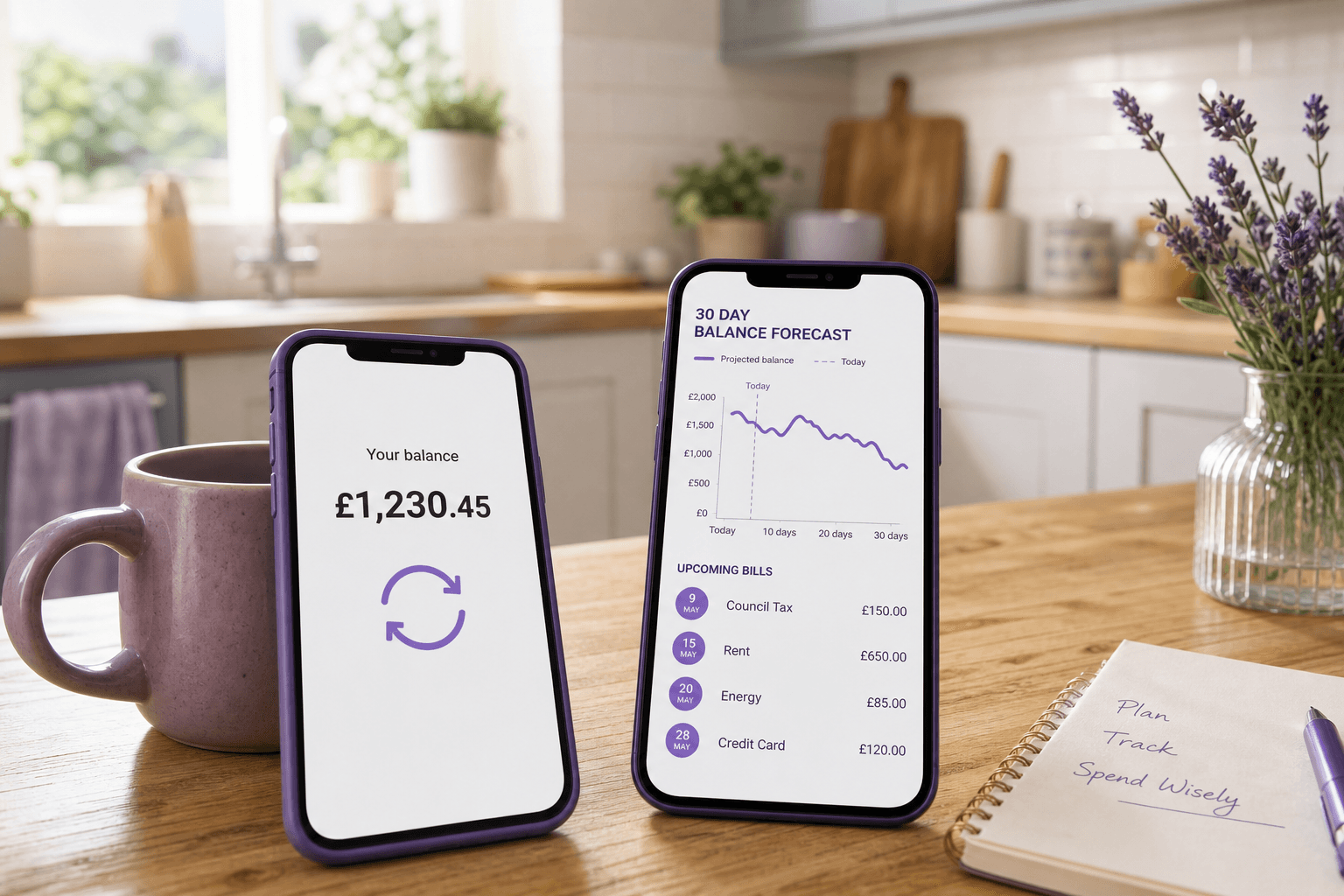
You keep checking because today’s balance is not the number you actually want. Rent, BNPL, and weekend bills are already spoken for; the banking app just has not shown them yet. Pulling down one more time will not. One 30-day view beats the 11th refresh.
The number you want is not on the screen
SpendWisely (Adleads Ltd) is a forecasting tool. Not personalised financial advice; not FCA-authorised. Debt crisis: StepChange, National Debtline, MoneyHelper. If money worry is overwhelming, start with MoneyHelper, Mind, NHS Every Mind Matters, or StepChange.
The refresh loop is a search. You are looking for “will I be all right until payday?” Today’s balance cannot answer that. It is a snapshot, not a trail.
Cost-of-living coverage in The Independent (2025/26) reported that 28% of adults surveyed check the balance multiple times in a day; some people avoid looking at all. Neither move shows rent Tuesday or Klarna Wednesday.
Payday stress often sits in that gap: you check because the figure feels incomplete. It is. Checking the bank 10 times a day is looking for spoken-for money on a screen that does not keep it.
Why the 11th refresh still fails
Each pull-to-refresh shows the same thing the banking app is built to show: now. It does not:
- Hold back the weekend balance that looks flush because bills have not left yet
- Subtract rent, council tax, and subscriptions still sitting on the calendar
- Put BNPL instalments on the same timeline as the current account
- Tell you the daily spend limit until next payday
If you can’t control spending, that is usually the lying screenshot. Checking it ten times does not make it honest.
Hope is the other loop: refresh, feel a bit better, spend, refresh again. That is hoping it will be okay, not a plan.
What to look at instead
Stop using refresh as a mood check. Replace it with three things:
- One scheduled check — pick a time (morning, or after you log a balance). Not every spare minute.
- A 30-day trail — income in, commitments out, including weekends and BNPL. That is the number you were hunting for.
- A daily spend limit until the next payday — especially if you are paid weekly.
The scheduled check is to update the trail, not to soothe. If the forecast already has Tuesday’s rent, you do not need to ask the banking app again at lunch. If you still want a glance, glance at the daily spend limit — not the raw balance.
Then, before a purchase that would dent more than a day’s limit, run Spending Impact. See the dip before you buy. That is a decision, not another refresh.
SpendWisely does this as a 30-day forecast. No bank login needed: the AI Guide sets up your 30-day forecast from a few quick questions in chat, and you just refresh your balance when pay lands.
Build the trail first. The daily limit is leftover after commitments, divided by days to payday. The scheduled check only needs to confirm the trail still matches reality.
Worked example (illustrative)
Saturday. You refresh. The app says £1,200.
- Rent leaves Tuesday: £750
- Klarna leaves Wednesday: £40
The eighth refresh on Saturday still shows £1,200. It will, until those dates hit. The spoken-for remainder is £410, and that still has to cover food, travel, and the rest of the week.
A 30-day view already has Tuesday and Wednesday on it. You check once. You know. You set a daily spend limit on what is actually left. If Saturday’s treat would blow that limit, Spending Impact shows the dip before you tap. The banking app will not.
Frequently asked questions
Why do I keep checking my bank balance?
Because today’s figure is not the one you need. Spoken-for rent, BNPL, and weekend bills live off-screen. A 30-day forecast is the missing number.
Does checking the bank 10 times a day help?
No. The 11th refresh still cannot show next week’s commitments. One scheduled check plus a trail does.
What should I look at instead of refreshing?
A 30-day forecast, a daily spend limit until payday, and Spending Impact before bigger buys.
Do I need to connect my bank?
No. SpendWisely needs no bank login: the AI Guide sets up your 30-day forecast from a few quick questions in chat, and you just refresh your balance when pay lands.
Start a 14-day trial
Put the next 30 days on a trail and give refresh a rest. Get started free — no bank login required.
Related: Weekend balances · Why you can’t control spending · Spending Impact · Weekly pay · Money management or hope · Why am I always broke after payday? · Bad with money? It’s timing
Read more
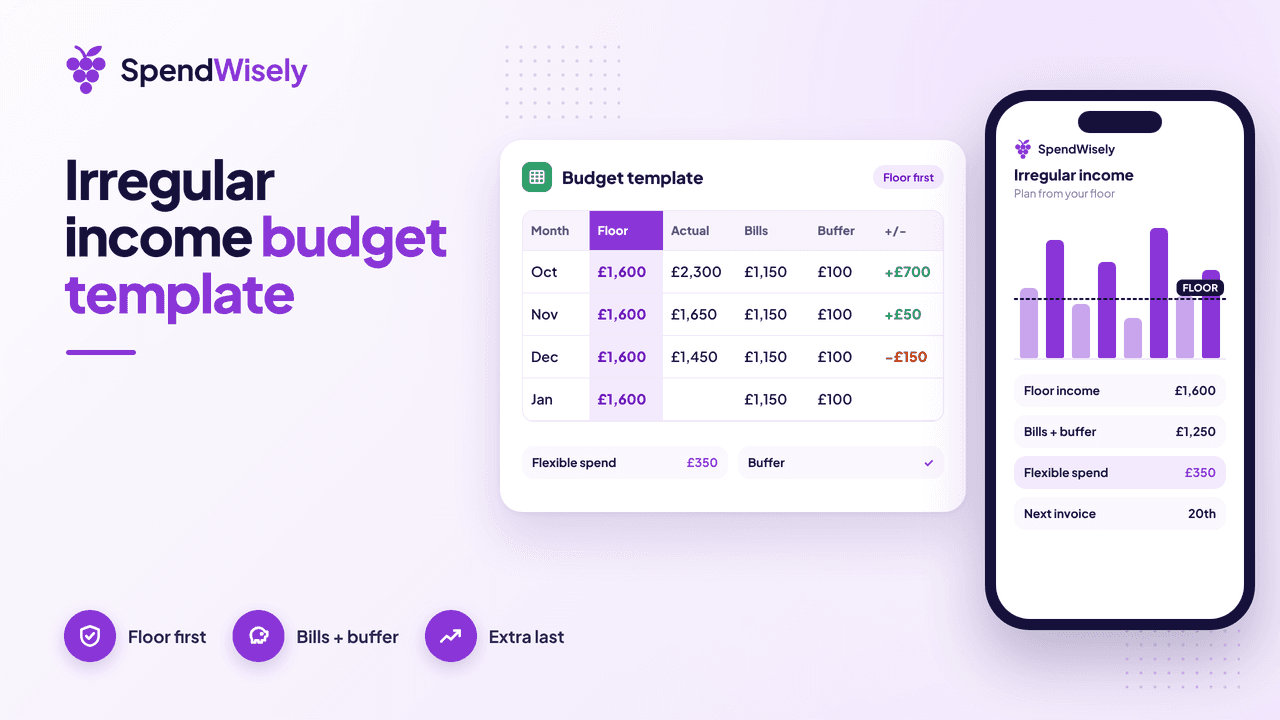
Irregular income budget template: a simple spreadsheet plan
A free irregular income budget template: a simple spreadsheet that plans each month from a low floor, covers bills and a buffer, then the extra.
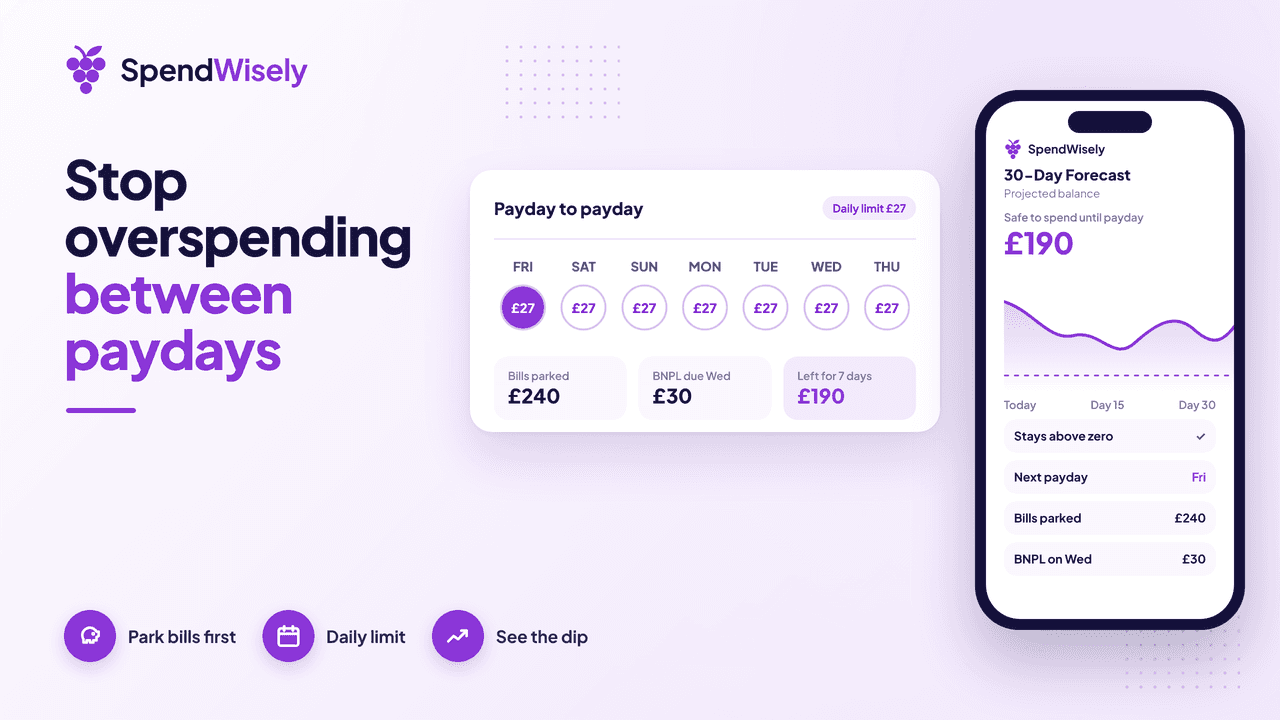
How to stop overspending between paydays: 7 fixes for weekly or fortnightly pay
Overspending means spending money already needed for bills before your next payday. What it is, the common causes, and 7 fixes for weekly or fortnightly pay.
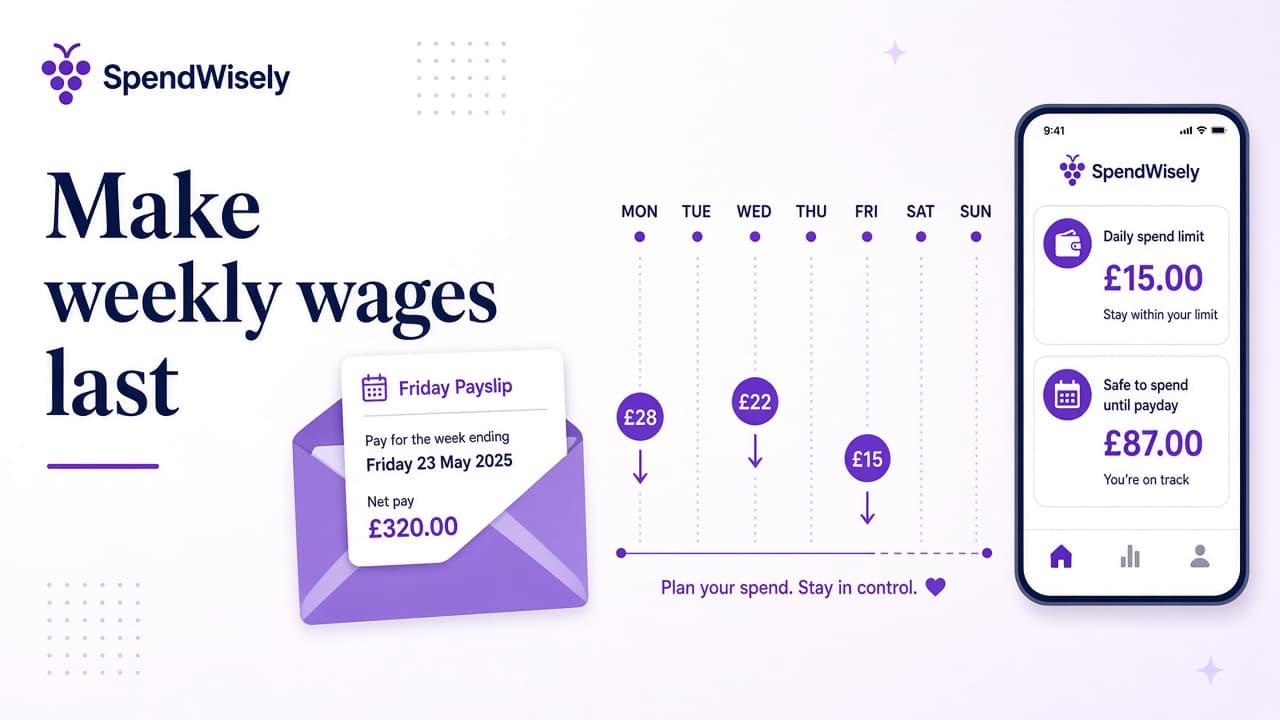
Make weekly wages last: stop overspending before the next payday
Make weekly wages last with a daily spend limit until payday. Stop rich-Friday overspending, see the weekend balance trap, and forecast 30 days — no bank connection.